Super admins and organization owners can change users’ login emails. This functionality is useful when a company undergoes a name change and employees have new emails.
The change of email login credentials is possible only if the email is not currently in use. Changing a user’s email does not reset their password and they can still use it to login. However, we highly recommend that users regularly update their password.
Super admins or organization owner can change their email login credential by going to their Profile page.

To update a user’s email login credential please follow the following three steps:
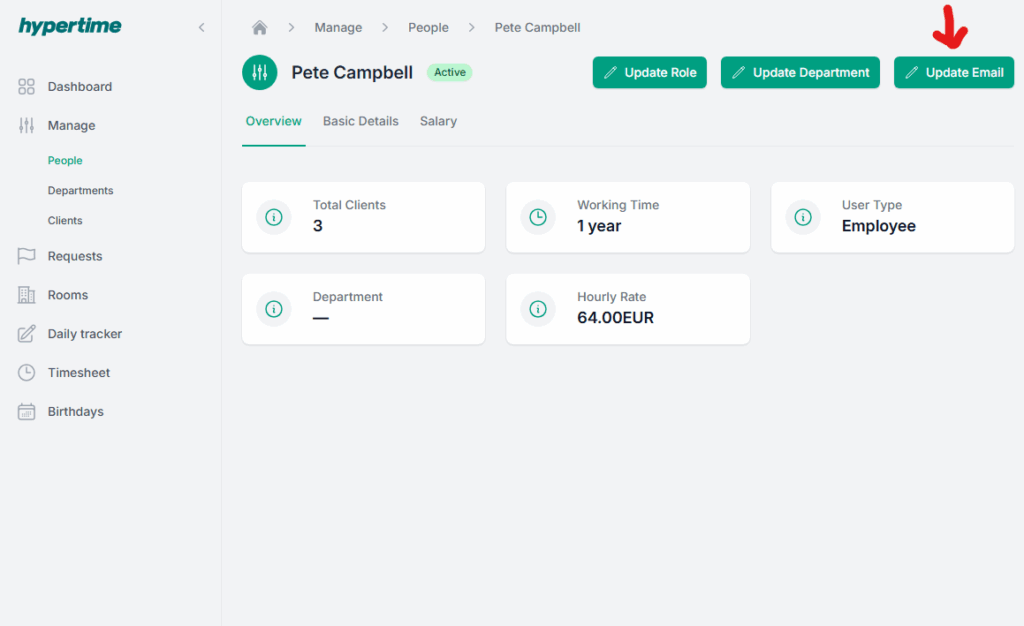
- Go to Manage > People and select a specific user
- Click on the Update Email button
- Input the user’s new email address in both text fields and click on the Update button

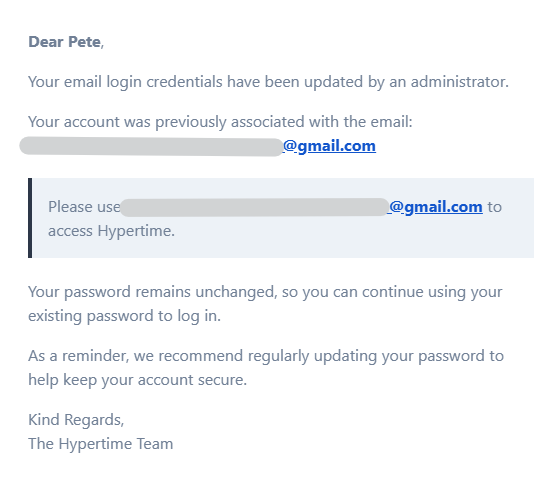
Once the change has been made an email will be sent to the user’s previous inbox as well as their new email address.